Exporting Reports
You may want to take a report outside of Pluto. This page explains what's currently available for downloading and exporting reports, and how to get report data to the people who need it in the meantime.
In this guide, we will cover:
- The Download report option
- Getting report data to your team
How We Got Here
In Sharing a Report With Your Team, you learned how to give people access to a report. Exporting is the other way to get report data to others.
Check the Download Option
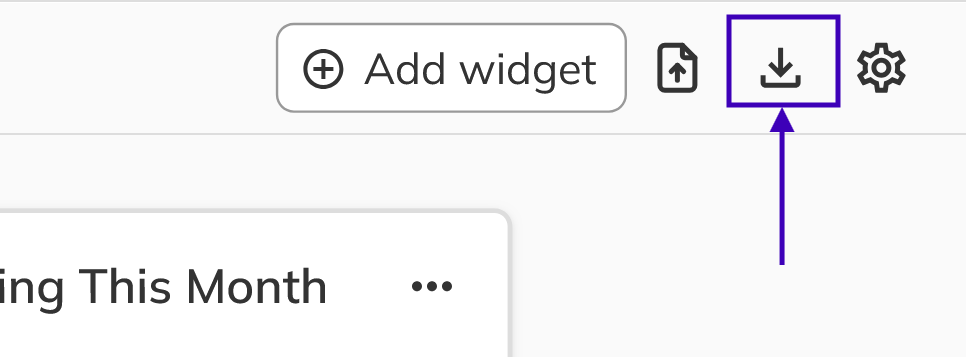
- The Download report icon appears in the report toolbar, but report downloads aren't available yet. Clicking it shows a "Feature Not Available" message. Widgets don't have their own export options either.
- Until downloads are available, share the report with the people who need it. They'll always see live data.
Congratulations! You've completed the Reports guides. You now know how to explore a report's widgets and drill into your data, build and manage your own reports, and save changes to official presets and read-only reports. You also know how to share reports with the right people at the right access level. You're ready to build reports that track your Units, deposits, sales options, commissions, and customers.